
Keeping your password secure
We are constantly being told to make our passwords “secure” to stop someone hacking into our information. But do they really need to be?
 Making your password secure often means it requires a long and complicated combination of letters, numbers, upper and lower case and ideally a special character or two.
The problem is, how do you remember it?
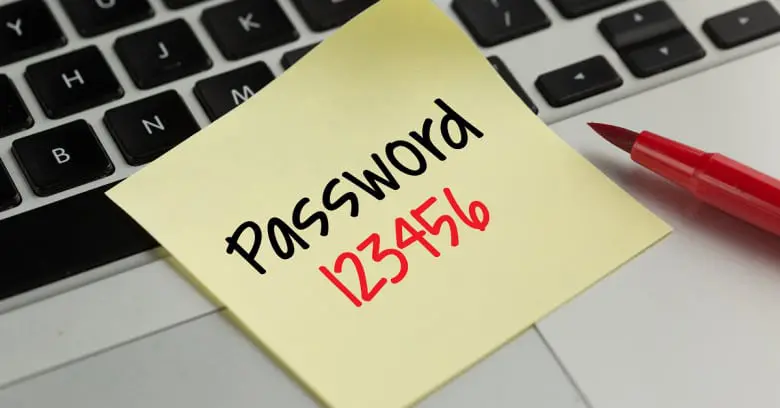
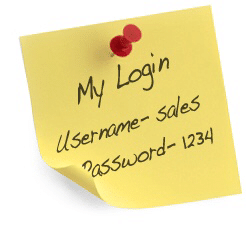
Most people can’t so they write it down on a post-it and stick it to their monitor. This kind of defeats the purpose doesn’t it?
Anyone with access to your office now knows your password. Takes about 2 seconds to snap a photo of it with their phone and voilà! Full access to all your information whenever they feel like it.
And what if you need to log into your pc from home? A second post-it maybe?
So what do you do?
Leave your password simple and easy to remember and get hacked?
Or
Make your password long and complicated so it’s hard to hack but also tough to remember so you write it down everywhere and make yourself vulnerable again?
Or
Secret option number 3?
Ever heard of Multi Factor Authentication? Otherwise known as MFA?
Put simply it’s adding a PIN number to your login process. So you type your username and password, hit return and then you’re asked for a 6 digit pin code.
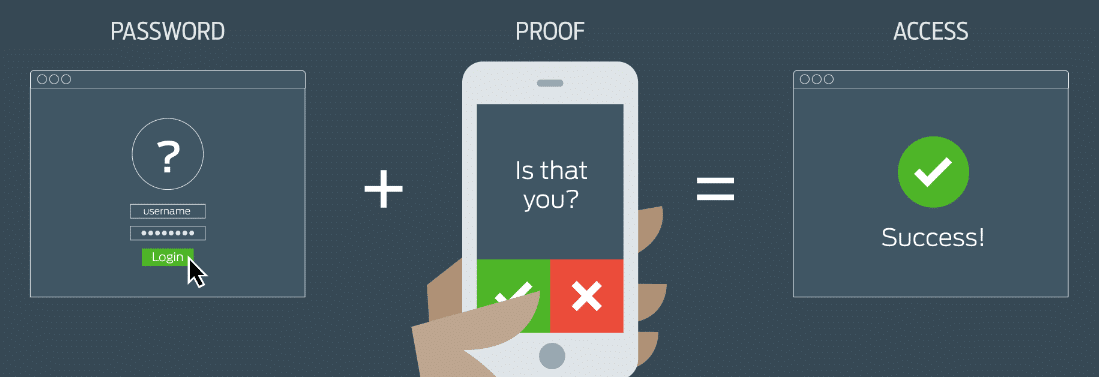
You’ve probably used this kind of process when logging into your online banking.
The 6 digit PIN is randomly generated and changes every 60 seconds so it’s VERY secure. You install an app on your phone to generate the PIN number, unique to your user account, such as Google Authenticator or Microsoft Authenticator.
This takes the pressure off of having to remember a complicated password.
If you’d like to hear more about how technology can help your business call First Stop IT today on 0345 450 7876 or use our contact form here.