
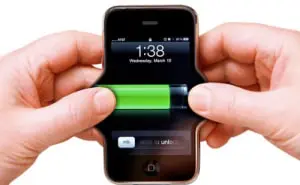
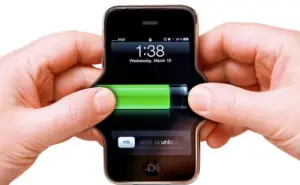
Improve your smartphone battery life
Whether it’s for emails on the move or for important meeting information at your fingertips, smart phones have today become a very valuable tool to any working environment.
However, with the additional usage you may see your phone quickly running out of battery between charges.
Use any of the following as required to extend your iPhone, or iPad’s battery life!
- Deactivate Bluetooth Function when it is not needed by going to Settings>General>Bluetooth
- Turn off Push Mail, or Fetch New Data less often by going to Settings>Mail>Fetch New Data.
- Turn off Notifications by going to Settings>Notifications. Allowing applications to send you Push Notifications uses battery life.
- Turn off unnecessary Sounds by going to Settings>Sounds.
- Turn off Vibrate by going to Settings>Sounds. The vibrate function uses a lot of power in games and ringtones.
- Disable Wi-Fi. When not in use, it is best to turn off Wi-Fi by going to Settings>Wi-Fi. Continuously scouting for available networks consumes a lot of power. If your Wi-Fi setting is left on, you may still turn off ‘Ask to Join Networks’ under Settings>Wi-Fi.
- Turn off Location Services. When not necessary, disable Location Services by going to Settings>Location Services. This function consumes a lot of power. Remember you will need to turn this back on to be able to use any map or GPS-based applications.
- Lower the Screen Brightness setting and conserve your battery power by going to Settings>Brightness.
- Download the most recent software update for your smartphone as software updates may often improve your device’s battery performance.
- Turn on Auto-Lock and set to 1 minute by going to Settings>General>Auto Lock. Set your iPhone, iPad, or iPod to lock immediately when not in use to save battery life.